ShareCo Academy · Teams
Train your Salesforce team, one course at a time
Pick a course and a training start date, buy seats, assign them by email. The completion report has the columns a BC Employer Training Grant claim asks for.
- Tuition from
- $1,190 per seat, per course
- Volume
- 10% at 5 seats, 15% at 10, per course
- Reporting
- ETG completion CSV
01How it works
From one course to a finished cohort
If you are using the BC Employer Training Grant, the application comes before training starts. We recommend waiting for WorkBC’s decision.
- 01One course per application
Pick one course and a start date
Everyone in the cohort takes the same course from the same date. Name each participant now.
- 02Our recommendation, not a WorkBC rule
Apply, if you are claiming the grant
Use the course grant kit. Submit before training starts; we recommend at least 60 days ahead.
- 03Tuition only
Buy the seats and assign them
Pay by card; the invoice names the exact course title and start date. Assign seats by pasting email addresses.
- 04Completion CSV included
Train, then claim and report
Seats open on the start date. Claim within 30 days of the start; export the completion report when everyone finishes.
02The rule that causes disputes
A seat has four states, and two of them are permanent
Most course sellers bury this in the terms. It belongs on the page you read before you buy, because by the time you hit it you have usually promised somebody a seat.
- 01Available
In the pool and not yet given to anyone.
Moves on when an admin assigns it to an email address.
Nothing to reclaimNo learner is attached to it yet. - 02Assigned
Invited by email. The learner has not opened a lesson.
Moves on the moment the learner opens their first lesson.
ReclaimableNothing has been consumed. Take it back and give it to someone else. - 03Activated
The learner opened their first lesson. The seat is in use.
Moves on when they pass the assessment and a certificate is issued.
Not reclaimableLearning has started. Delivery has happened and cannot be undone. - 04Consumed
Certified. The seat is spent and stays spent.
Final state. The credential belongs to the learner from here.
Not reclaimableA certificate was issued against it. Recycling it would mean withdrawing a credential.
Between assigned and activated. Before it, a seat is yours. After it, it belongs to the learning that happened.
- Somebody leaves before they start
- If their seat is still assigned, reclaim it and give it to their replacement. Nothing is lost.
- Somebody leaves halfway through
- The seat is activated, so it stays with them. Plan for a small margin on a long course.
- You paste sixty addresses into a fifty-seat pool
- Fifty are assigned and ten are refused, with the ten named. Assignment takes a row lock on the pool, so it cannot oversubscribe.
- One course per application. Everyone on the application takes the same course, with the same start date.
- Name every participant before you apply. A seat reclaimed and given to someone new is not grant-funded for that person.
- Participants pay for nothing. Claude Code access is provided and paid for by the employer; it is not part of tuition and we do not present it as a grant-eligible cost.
03Courses
Pick one course per cohort
Each is bought on its own, per seat, with your training start date. Tuition only: no subscription, no licence fee.
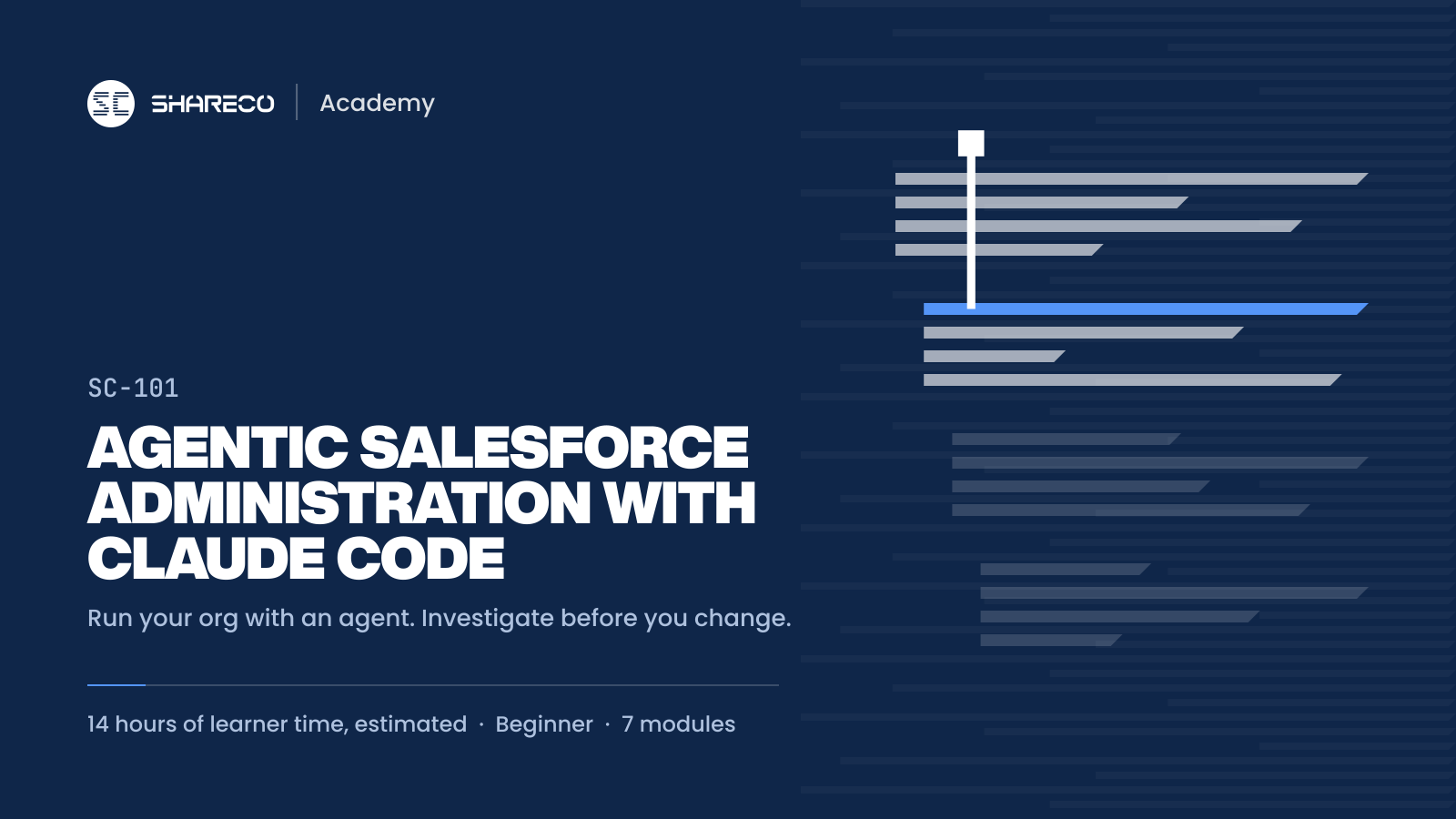 AI-assisted developmentSC-101 · Beginner
Agentic Salesforce Administration with Claude Code
Run your Salesforce org like a team of one with an AI agent. You will connect Claude Code to a practice org, investigate problems with SOQL before changing anything, fix access and automation tickets, and prove each fix works for the person who reported it.
Canadian dollars, tuition for this one course, per learner or per seat. Self-paced with graded labs and weekly office hours. 180 days of access from the training start date, or from purchase when you buy for yourself. Sales tax extra. No subscription or licence fee.- 14 hr
- 21 lessons
ShareCo certificateIssued on a passing assessment, not on completion.
14 hr instructional hours. Volume discount per course: 10% at 5 seats, 15% at 10. Buy seats
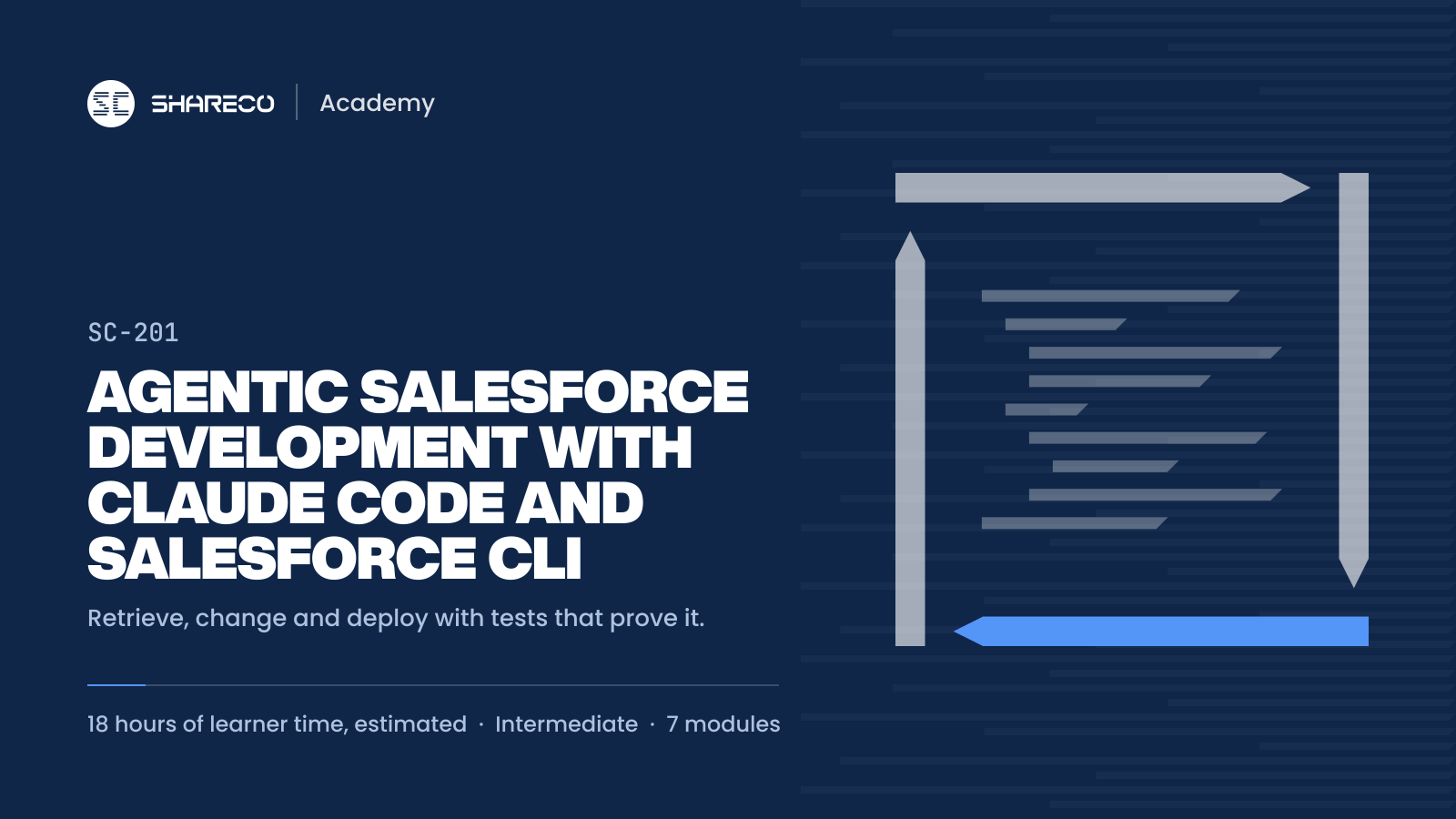 AI-assisted developmentSC-201 · Intermediate
Agentic Salesforce Development with Claude Code and Salesforce CLI
Ship Salesforce changes with an AI agent and keep production safe. You will retrieve, change and deploy metadata with targeted tests, write Apex triggers and Lightning Web Components with Claude Code, run parallel features in worktrees, and judge an agent's claim of done against evidence.
Canadian dollars, tuition for this one course, per learner or per seat. Self-paced with graded labs and weekly office hours. 180 days of access from the training start date, or from purchase when you buy for yourself. Sales tax extra. No subscription or licence fee.- 18 hr
- 21 lessons
ShareCo certificateIssued on a passing assessment, not on completion.
18 hr instructional hours. Volume discount per course: 10% at 5 seats, 15% at 10. Buy seats
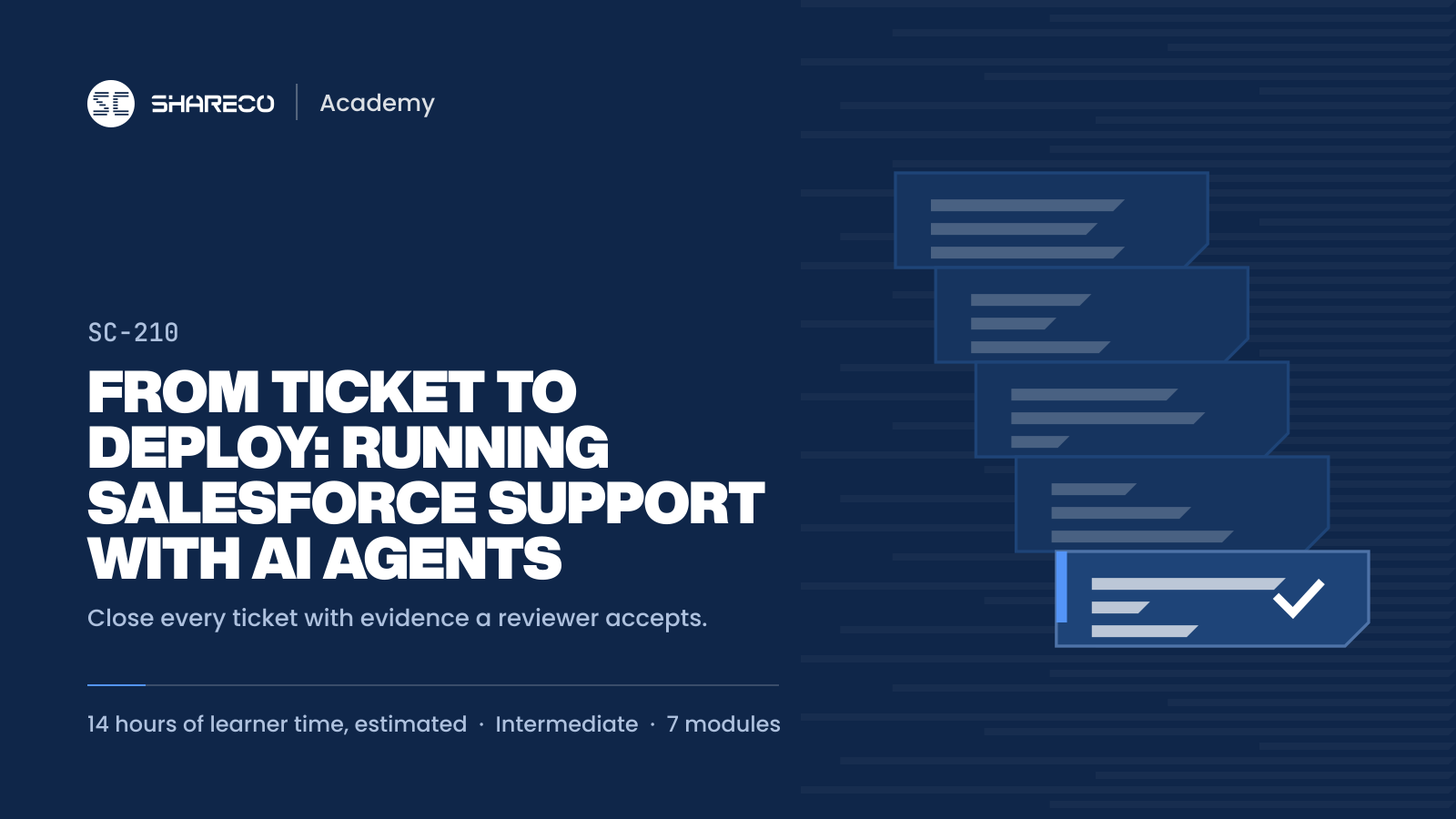 AI-assisted developmentSC-210 · Intermediate
From Ticket to Deploy: Running Salesforce Support with AI Agents
Run a Salesforce support queue with an AI agent and close every ticket with evidence a reviewer accepts. You will turn chat messages and screenshots into Agent_Task records, reproduce and classify each defect before anyone changes the org, verify the fix as the person who reported it, and keep long agent runs auditable with checkpoints and a ledger.
Canadian dollars, tuition for this one course, per learner or per seat. Self-paced with graded labs and weekly office hours. 180 days of access from the training start date, or from purchase when you buy for yourself. Sales tax extra. No subscription or licence fee.- 14 hr
- 27 lessons
ShareCo certificateIssued on a passing assessment, not on completion.
14 hr instructional hours. Volume discount per course: 10% at 5 seats, 15% at 10. Buy seats
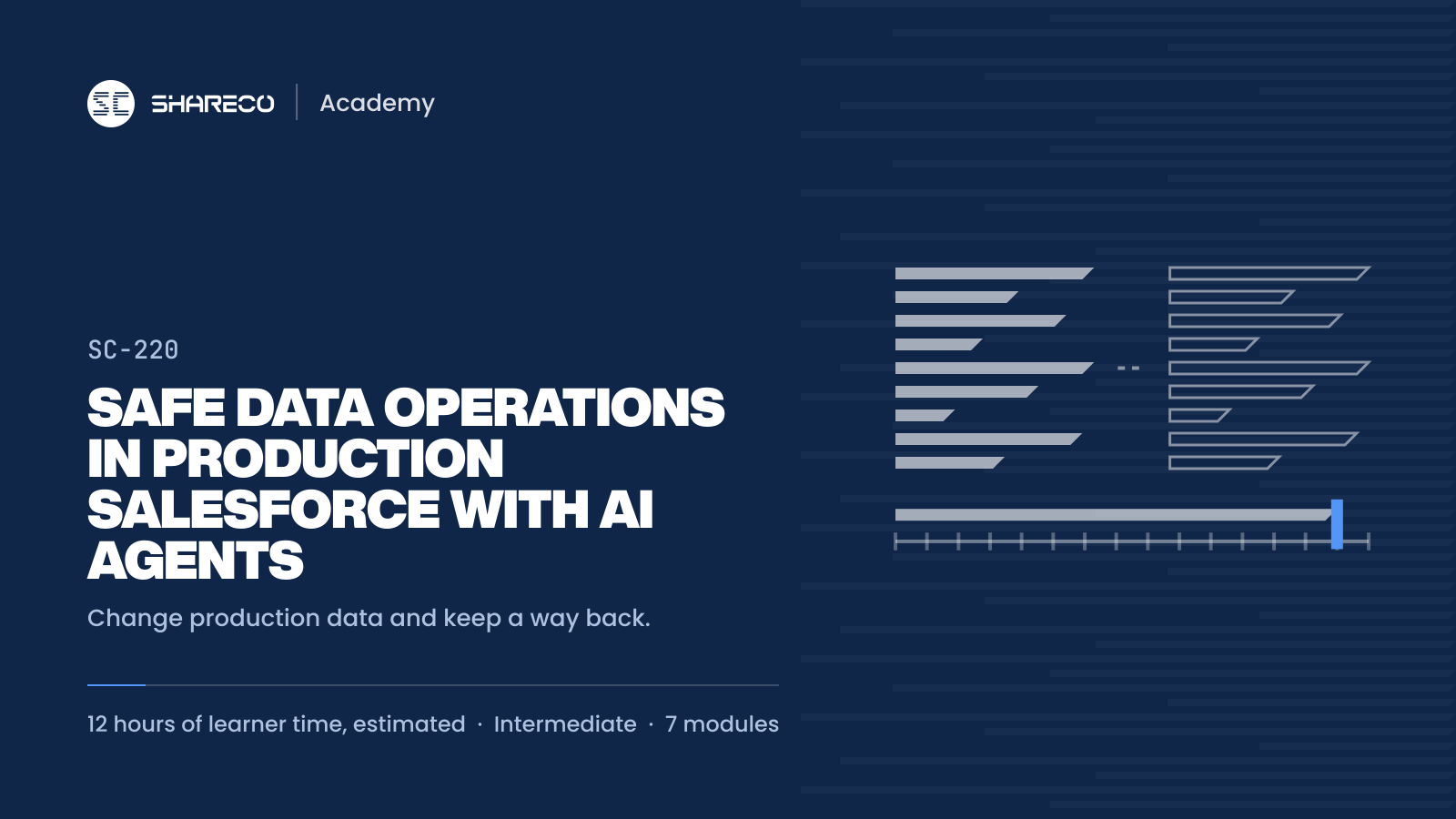 AI-assisted developmentSC-220 · Intermediate
Safe Data Operations in Production Salesforce with AI Agents
Change production data with an AI agent and be able to put it back. You will back up before every write, run every script as a dry run first, dedupe and reconcile Northshore Envelope Co. order lines, and leave a change log that says how to reverse each change and until when.
Canadian dollars, tuition for this one course, per learner or per seat. Self-paced with graded labs and weekly office hours. 180 days of access from the training start date, or from purchase when you buy for yourself. Sales tax extra. No subscription or licence fee.- 12 hr
- 18 lessons
ShareCo certificateIssued on a passing assessment, not on completion.
12 hr instructional hours. Volume discount per course: 10% at 5 seats, 15% at 10. Buy seats
ShareCo is not affiliated with WorkBC; grant approval is not guaranteed. ShareCo Academy is a private training provider. The employer applies, and training cannot start before the application is submitted. We recommend waiting for WorkBC’s decision before training starts. Any reimbursement is paid to the employer, is up to 80% of eligible costs, and is taxable income to the employer. Source: WorkBC, BC Employer Training Grant, criteria effective March 23, 2026, checked October 10, 2026.